Clarify before you design
A strong answer narrows the problem before naming technology. Establish users, traffic, latency, consistency, availability, security, and the features that are explicitly out of scope.
System design interview practice
System design interview practice should make you state assumptions, choose a workable architecture, and revise it when the interviewer changes a constraint. Openskill gives you a spoken rehearsal for that decision-making conversation.
Preparing for a system design interview means practicing a sequence: clarify requirements and scale before naming any technology, sketch the major components and the data flow between them, then defend the trade-offs when a constraint changes. Follow-up questions test whether you understand why you chose a database or queue, not just that you can name one.
The short answer
Practice system design as a sequence: clarify the users and scale, name the key requirements, sketch the major components, examine bottlenecks, and defend trade-offs. A voice mock interview strengthens the explanation and follow-up portion, while a companion workspace can hold diagrams and capacity calculations.
Practice with context
Create a session for the target role and experience level, then ask the interviewer to concentrate on requirements, architecture, scaling, reliability, or one specific system you expect to discuss.
A strong answer narrows the problem before naming technology. Establish users, traffic, latency, consistency, availability, security, and the features that are explicitly out of scope.
Connect each database or queue to the access pattern it supports. State why it fits, the trade-off it introduces, and which alternative you would choose if the constraint changed.
Use follow-up questions to discuss bottlenecks, retries, data loss, hot partitions, regional failure, and observability. The goal is a reasoned evolution, not a memorised final diagram.
A sample question
This is the kind of opening prompt you can practice in a live session.
Clarify delivery guarantees, traffic, latency, preferences, and compliance. Propose the major services and data flow, then discuss retries, idempotency, observability, and the first scaling bottleneck.
Choose the role, level, and kind of system you want to rehearse.
Clarify requirements and walk through the architecture and trade-offs.
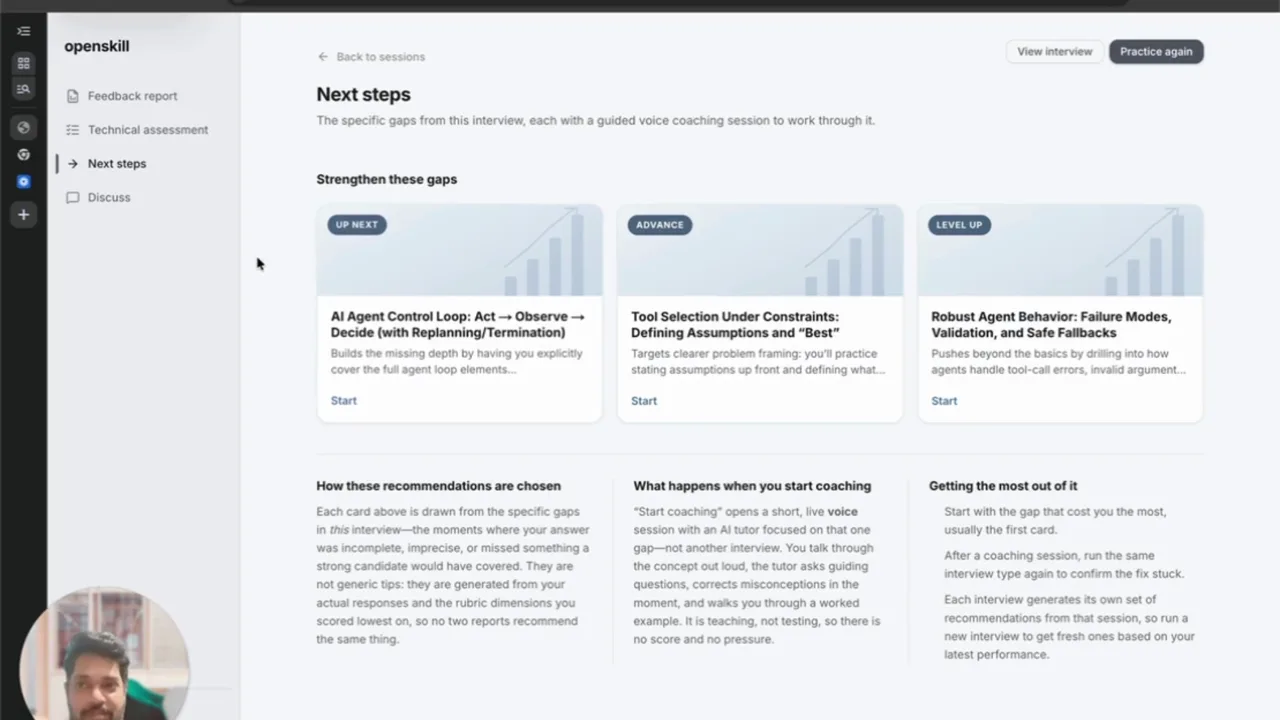
Replay the answer and practise the weakest follow-up in another session.
Good prompts to practise
Use it deliberately
Questions
Keep a whiteboard or diagram tool open during the voice conversation. Draw the components and capacity notes there while you practise explaining each decision and responding to follow-up constraints in Openskill.
Sessions longer than three minutes receive a scored feedback report. It includes strengths, areas to improve, communication signals, a recording with chapter markers, and question-by-question feedback when the format uses questions and answers.
Yes. Paste a job description, a job posting URL, or a plain-language description into Openskill. You can review the generated interview before you begin, and custom interviews stay in your library for another attempt.
Independent guidance
Use these external guides alongside voice practice when you want another perspective on interview preparation.